Car Editor
AI-powered car photo modifications
Open Editor →No download · Works on any device
Mobile app
AI-powered car photo modifications
Open Editor →No download · Works on any device
Preview widebody and body kits on your BMW M3 before you buy. See how Rocket Bunny, Liberty Walk, and other popular kits look on your car instantly.
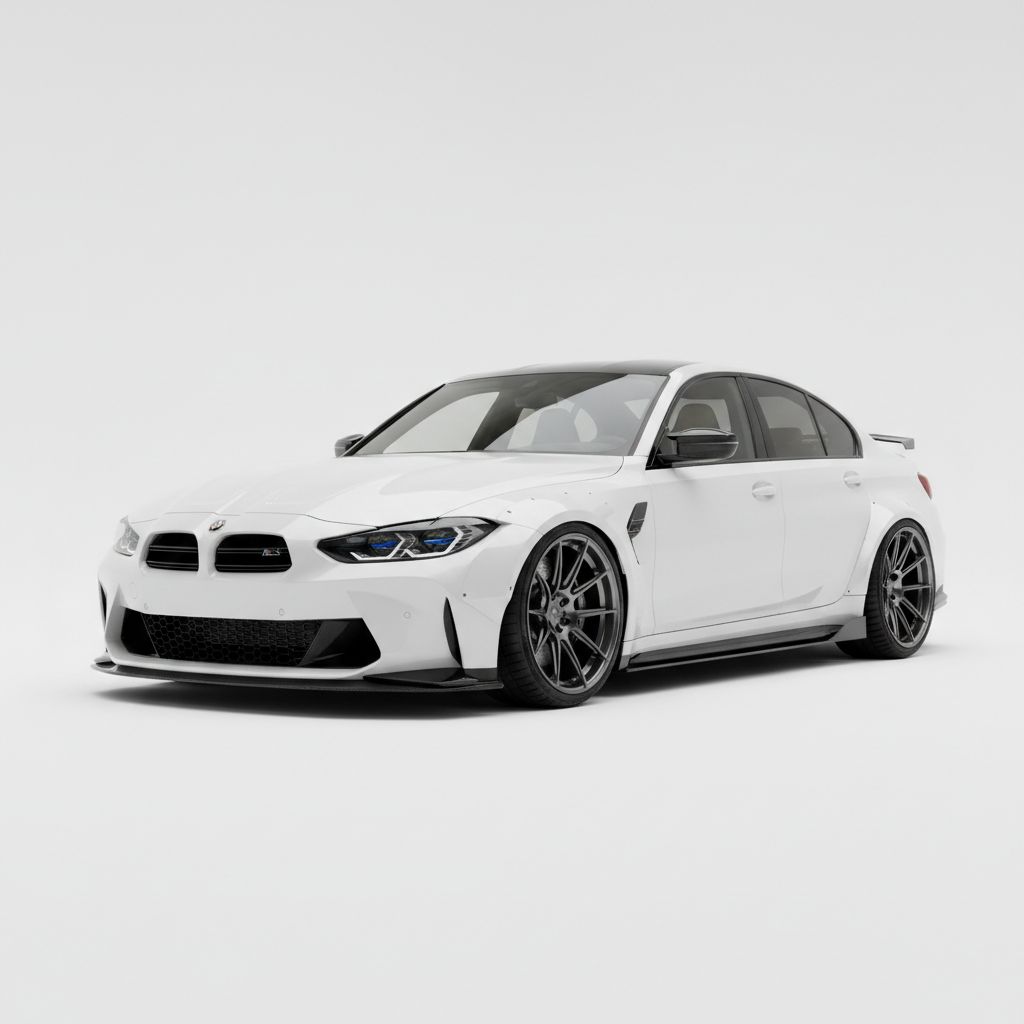
Choosing the right body kit for your BMW M3 is a major decision. Widebody kits require professional installation, fender cutting, and paint work—costing thousands of dollars. With Car Editor's body kit visualizer, you can preview exactly how different kits will look on your M3 before making that investment.
Whether you're considering aggressive widebody kits like Rocket Bunny or Liberty Walk, or subtle OEM+ lip kits, our AI-powered visualizer lets you preview any style on your BMW M3 in seconds. See how paint matching, wheel clearance, and overall fitment will look before you commit.
Three simple steps to visualize your perfect body kit setup
Take a photo of your BMW M3 or upload one from your gallery. Side angles work best for body kit visualization.
Browse our library of body kit styles and brands. Select widebody kits, lip kits, or OEM+ options to preview on your car.
See how the body kit looks on your M3 instantly. Save and share your favorite combinations with friends or your installer.
These body kit brands are favorites among BMW enthusiasts
Aggressive overfenders, trimming likely
Requires pro install; riveted look
Mild aero, street-friendly
Trim inner liner; check lock-to-lock clearance with widebody.
Use Car Editor's AI visualizer to create side-by-side comparisons of your car with and without body kits. Perfect for planning your build or showing your installer.
Upload your BMW M3 and preview body kits instantly
Most widebody kits need fender cutting and pro install; mild lip kits typically do not.
Common aggressive setups: 19x10 +15 front, 19x11 +22 rear; confirm per kit instructions.
Yes—upload your car photo and preview widebody or lip kits instantly in the app.
Widebody kits usually require pro install, trimming, and paint. Lip/side-skirt kits may be DIY-friendly.
Widebody kits often need wider wheels and lower offsets; verify per kit specs.
Widebody kits add significant width requiring fender cutting; lip kits add subtle aero without major modifications.
Download Car Editor now and preview any body kit style on your car in seconds. Preview before you buy—save time and money.