Get Car Editor
Scan the QR code or download directly

or download directly
Scan the QR code or download directly
Wheel Visualizer for Tesla|
Preview any wheels and rims on your Tesla Model Y before you buy. See how different wheel styles, sizes, and colors look on your car instantly with our free wheel and rim visualizer.

Choosing the right wheels and rims for your Tesla Model Y is one of the most impactful modifications you can make. With Car Editor's wheel and rim visualizer, you can see exactly how different wheel styles will look on your Model Y before spending thousands of dollars.
Whether you're looking for aggressive concave wheels, classic mesh designs, or sleek OEM+ styles, our AI-powered wheel and rim visualizer lets you preview any wheel on your Tesla Model Y in seconds.
Three simple steps to visualize your perfect wheel setup
Take a photo of your Tesla Model Y or upload one from your gallery. Side angles work best for wheel visualization.
Browse our library of wheel styles and select the ones you want to preview. Adjust size, color, and offset to match your vision.
See how the wheels look on your Model Y instantly. Save and share your favorite combinations with friends.
See how different wheel setups transform the look of your Tesla Model Y
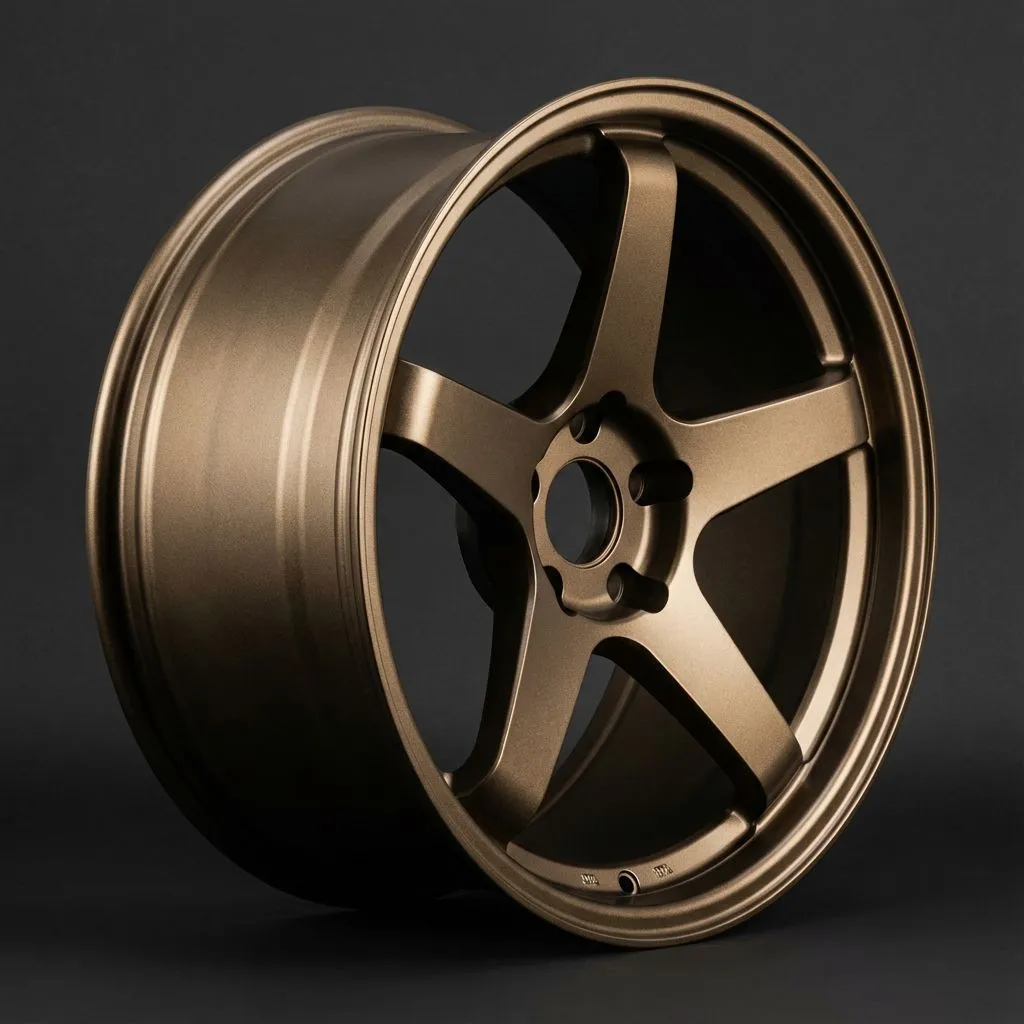
Aggressive concave profile for a bold stance
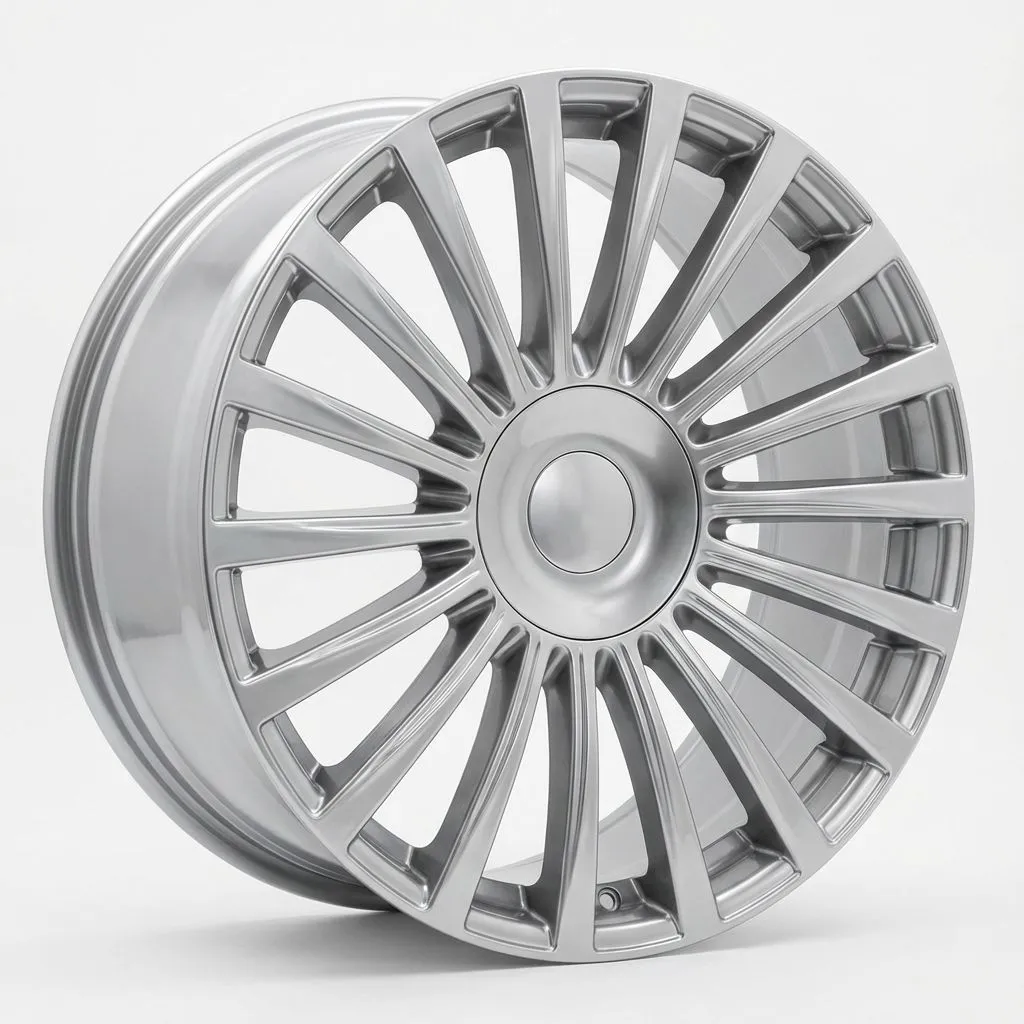
OEM+ style for a refined, elegant look
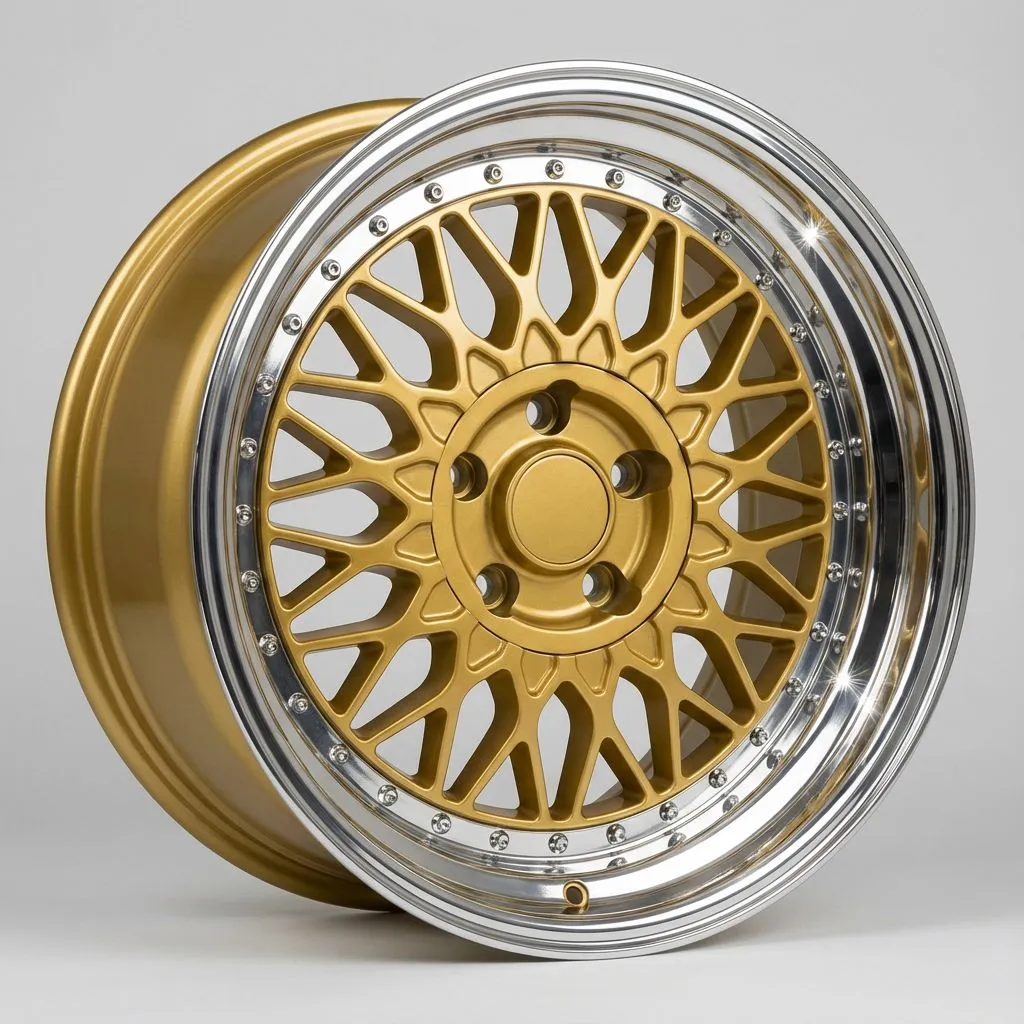
Classic motorsport-inspired mesh design
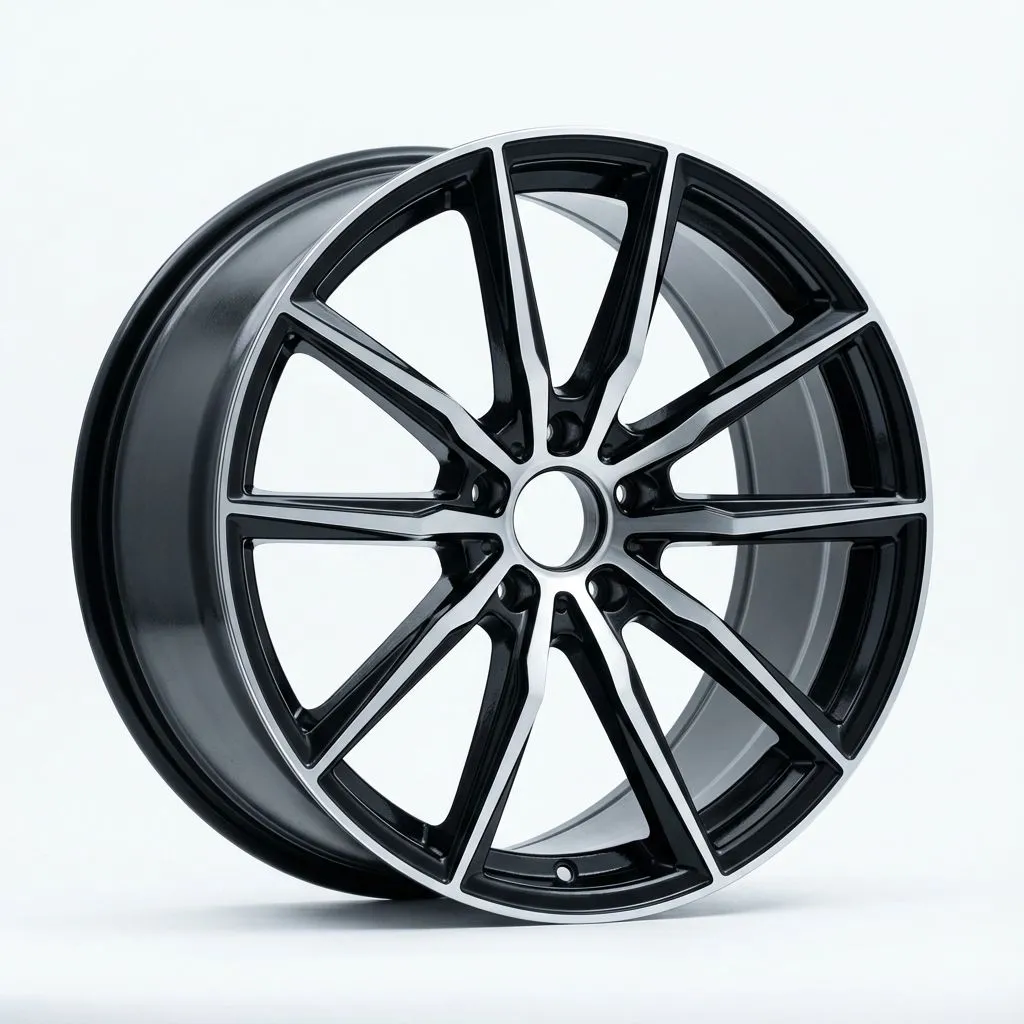
Modern performance look with dual-spoke styling
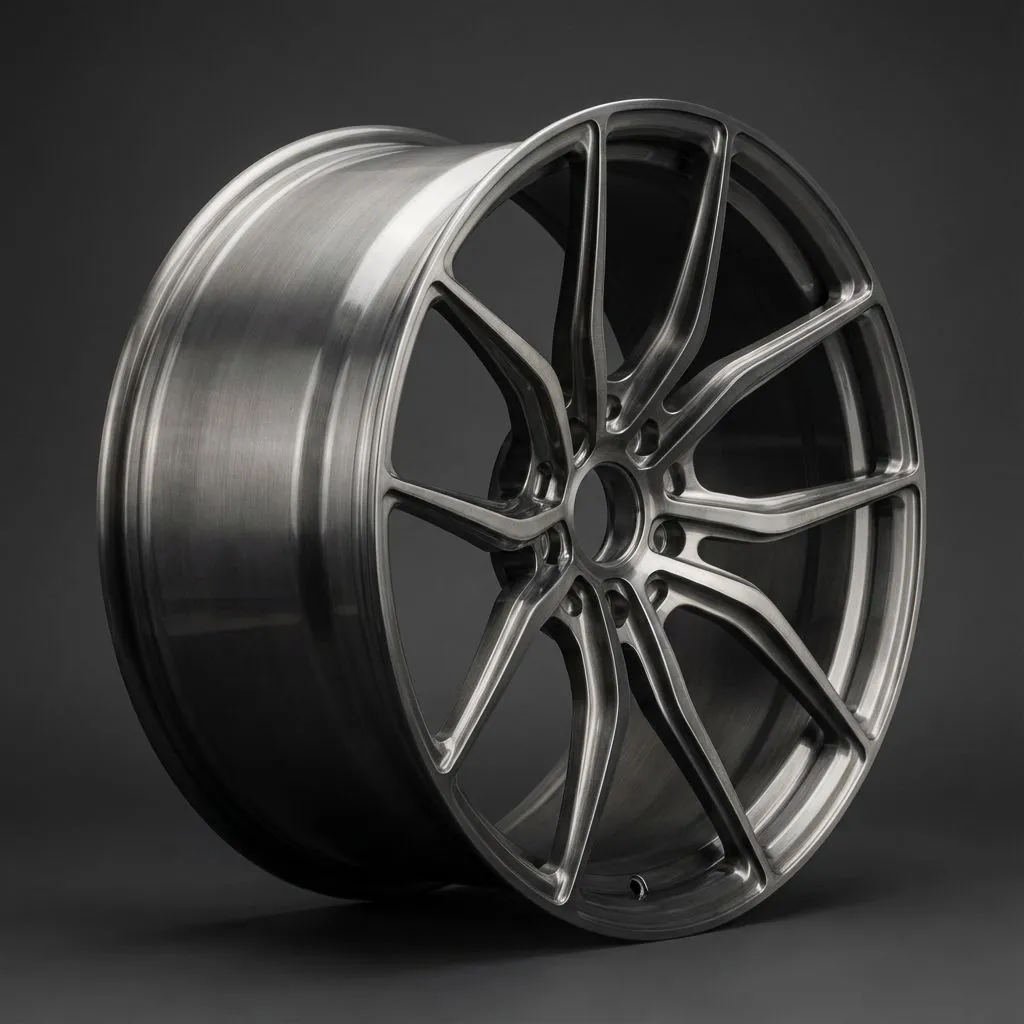
Premium forged monoblock for track performance
Visualize any wheel on your Tesla Model Y
These wheel styles are favorites among Tesla enthusiasts
Base efficiency
Sport SUV
Performance look
Aftermarket upgrade
Tesla Model Y typically runs offsets between +35 and +50. Shared platform with Model 3. SUV stance allows for slightly different fitment.
Tesla Model Y comes with 19-inch Gemini or 20-inch Induction wheels. Performance models have 21-inch Uberturbine wheels.
Model 3 and Model Y share the same bolt pattern (5x114.3) but have different offsets. Some wheels are compatible with proper spacing.
Upload a photo of your car, select wheel styles from our library, and see how they look instantly. Our AI technology automatically positions wheels correctly on your vehicle.
Car Editor offers free trial features including wheel visualization. Download the app for iPhone or Android to get started.
Download Car Editor now and preview any wheel style on your car in seconds.